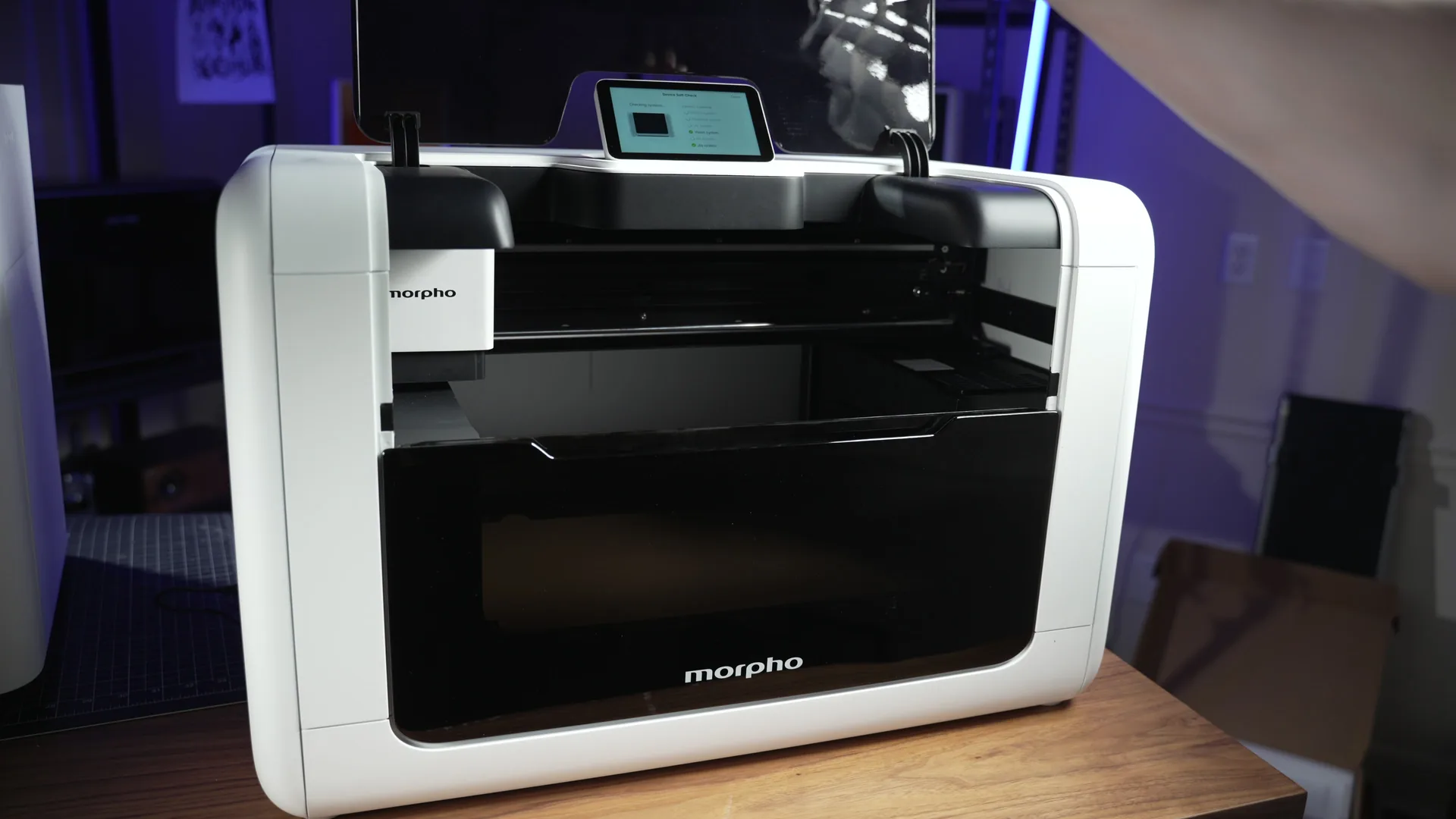
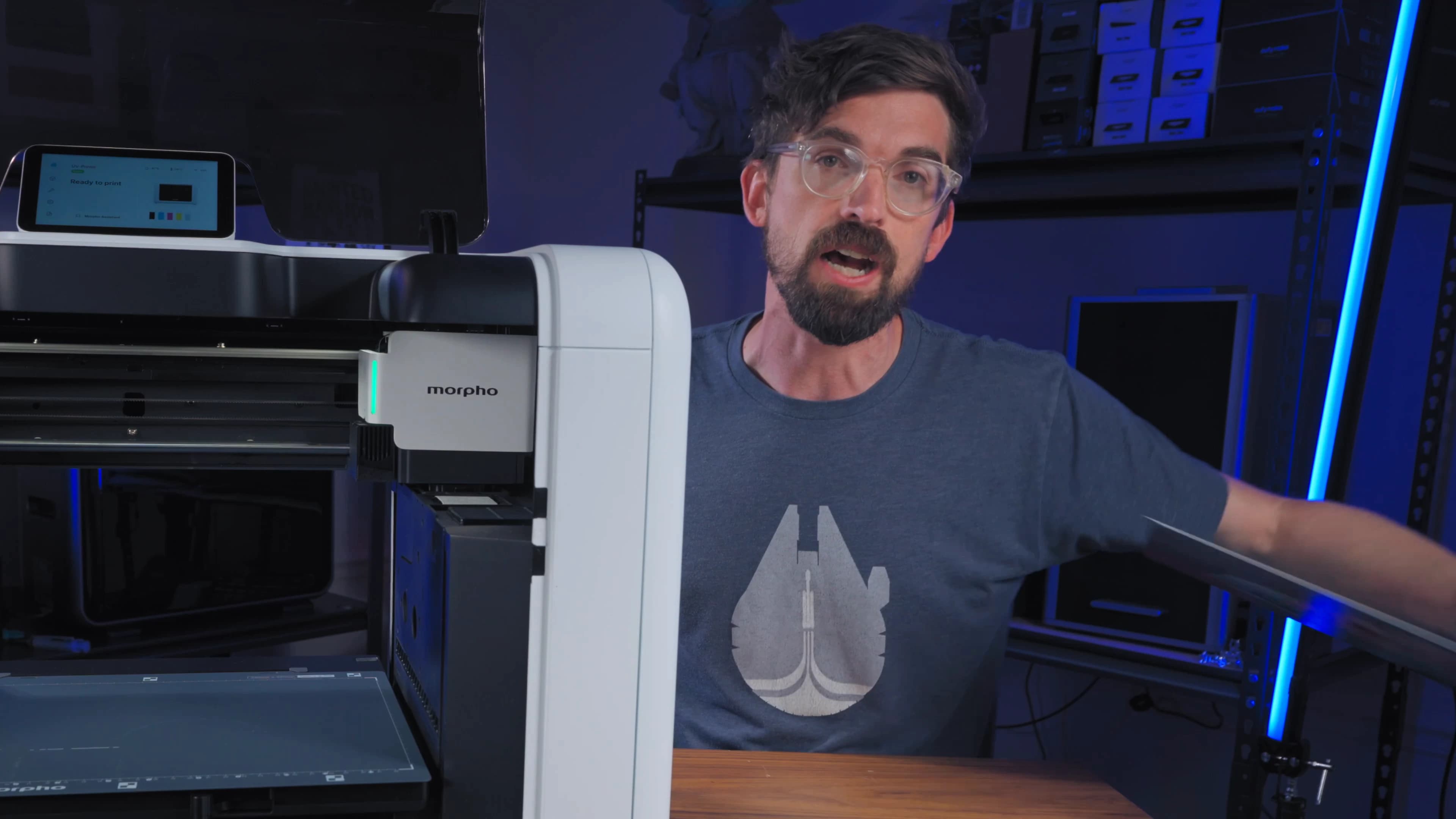

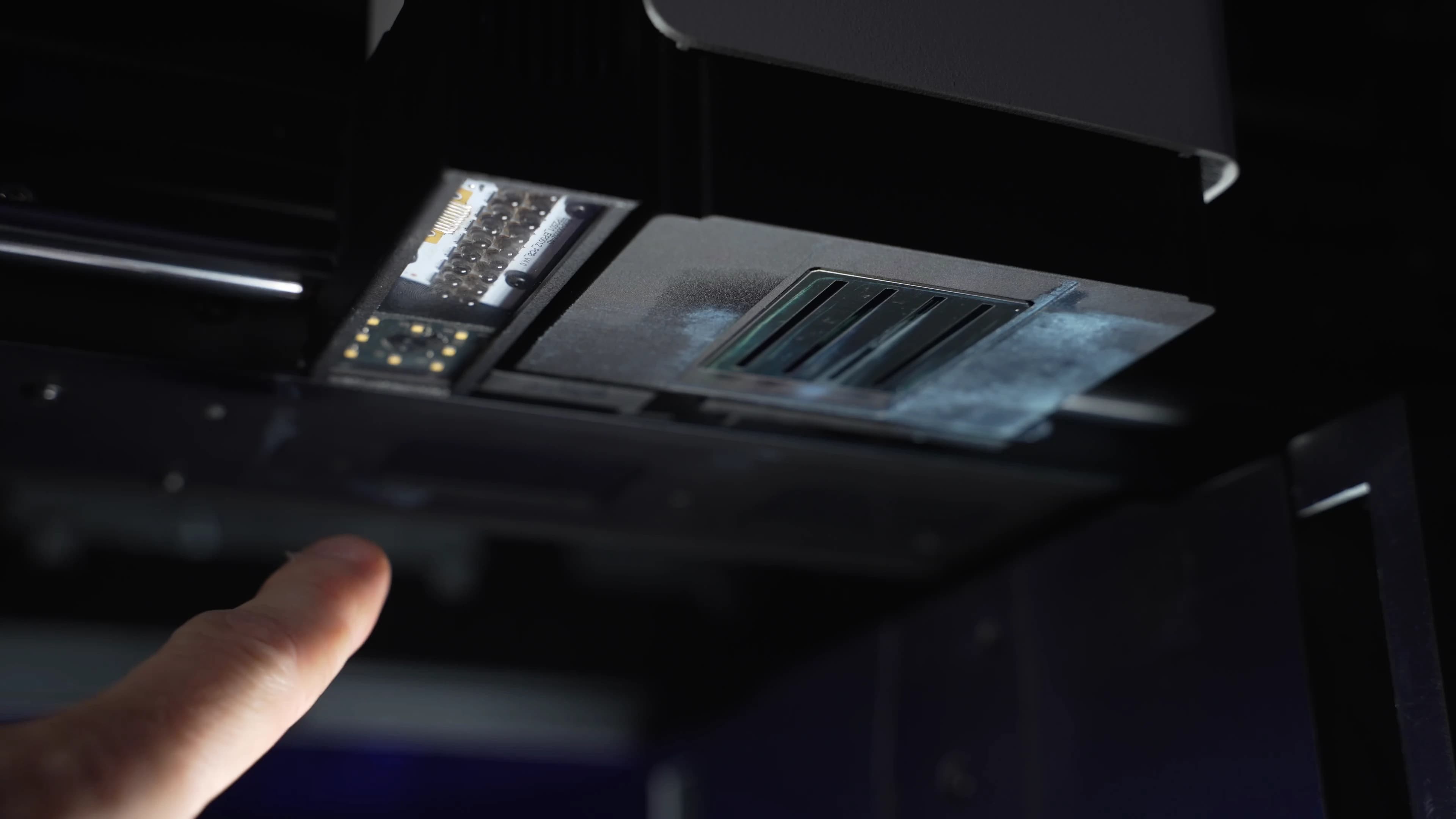
Hands-on test of a pre-production Morpho Pro
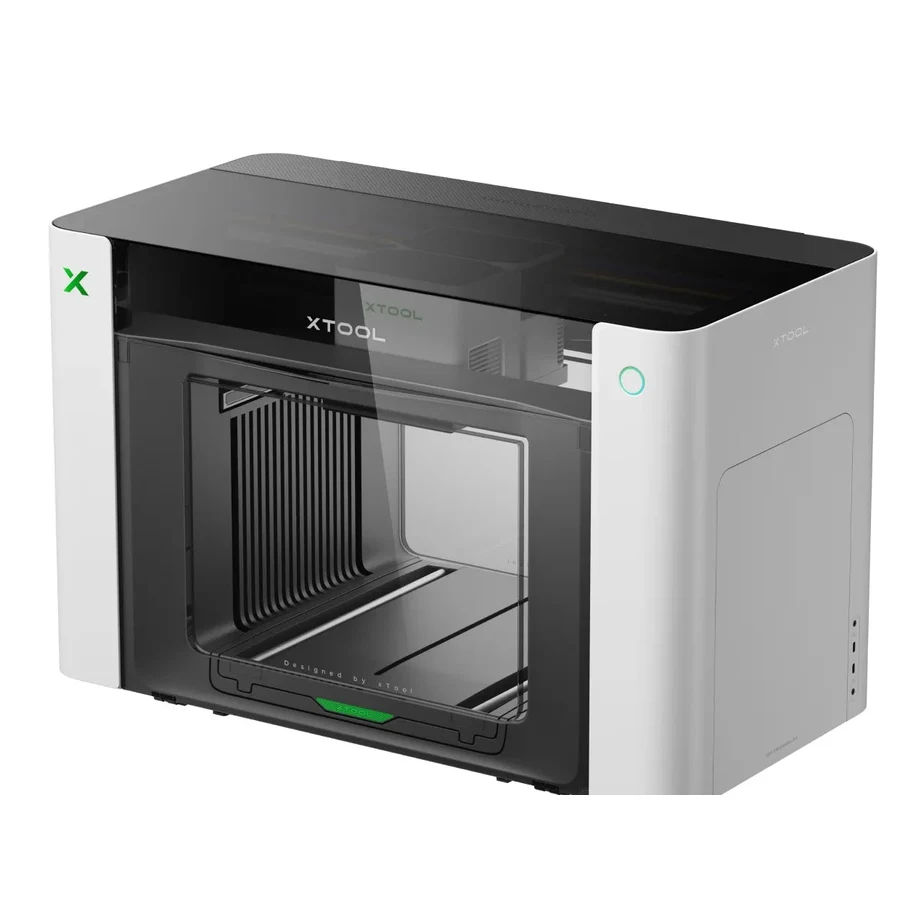
The white layer took 5:25. The xTool O1 took about 23 minutes.
Same artwork. Same size. On a comparable-resolution color print, the Morpho finished in 5:35 and the O1 took 11:37. The Pro’s i3200 was 4.2× faster on the white underbase and 2.08× faster on the larger color job.
How I tested the Morpho Pro
I had the pre-production Pro in my shop, made the files in Morpho Studio, watched the jobs run, and pulled the completed-job reports and cumulative ink counters from the machine. For the speed comparison, I used the same artwork at the same physical size on the Morpho Pro and xTool O1. I matched useful print resolutions as closely as the two RIP workflows allowed instead of comparing the fastest draft mode on one printer with a quality mode on the other.
The evidence set is three matched speed tests, 12 completed flat jobs across three resolution profiles, and one 5 mm relief print. I used those tests to compare throughput, check the firmware’s ink reporting, and work through the basic workflow. I did not test head life, support, long-idle behavior, or the final retail software.